
Оrganizational Structure

Set up groups, roles, units, and entities with clear hierarchical relationships
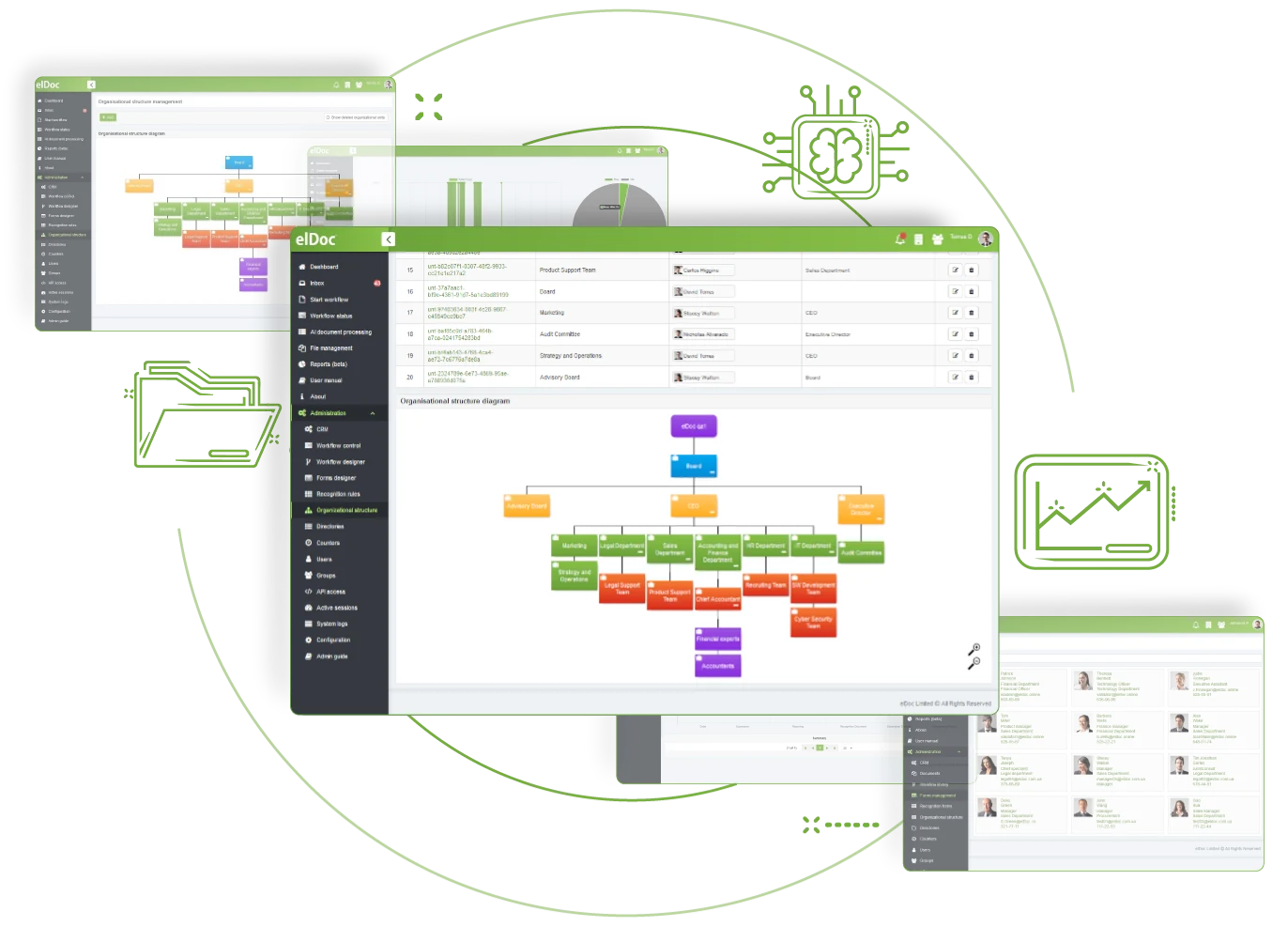
Create an organisational structure aligned with roles and responsibilities

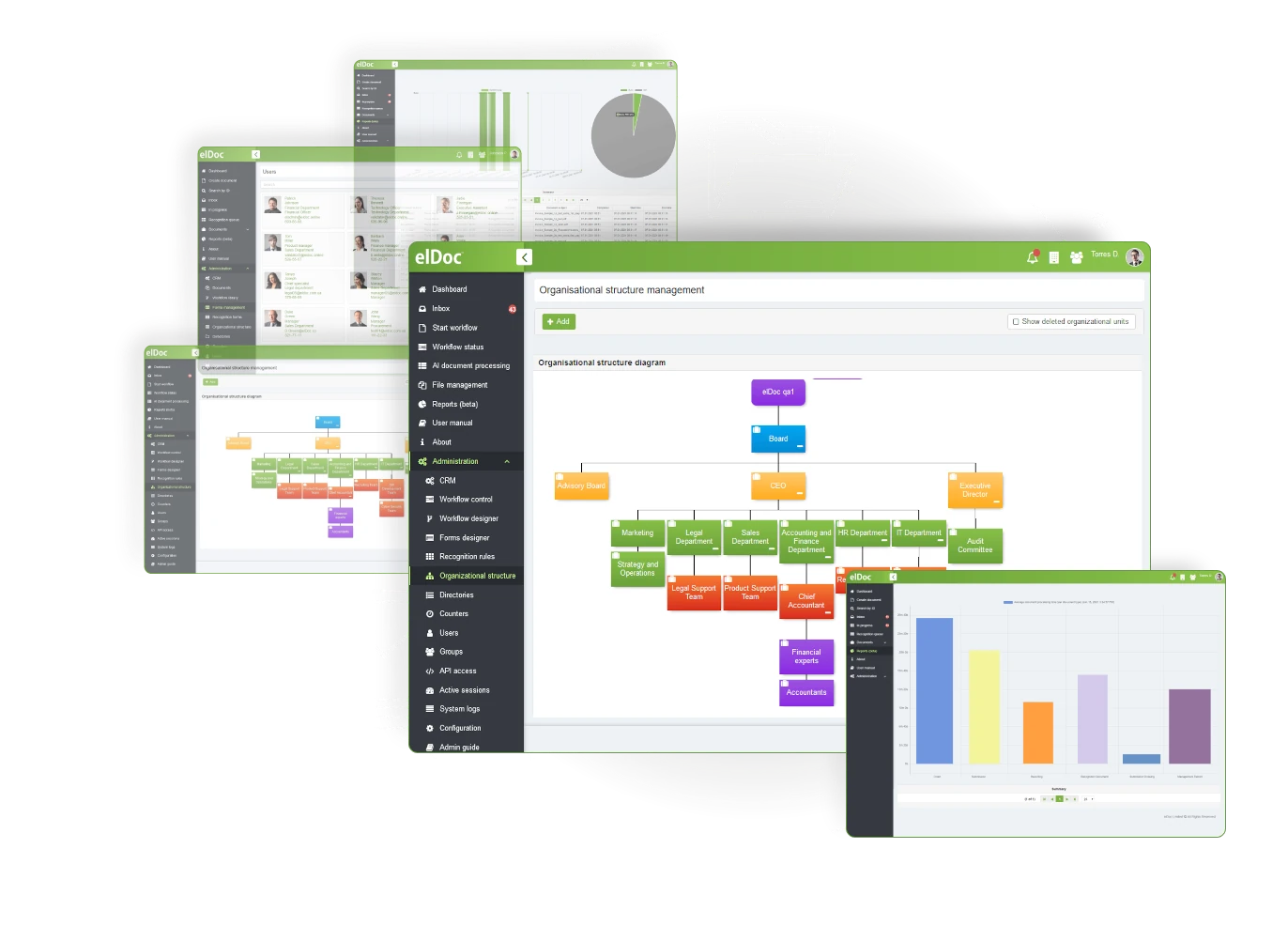
Build the hierarchy your organisation requires and apply suitable access controls. elDoc visualises the organisational structure while limiting content and data access to authorised users and units. Create roles, groups, units, departments, and entities to manage permissions for sensitive information more effectively.
 

Оrganizational Structure

Create a Strong Security Framework with Eldoc by Restricting System Access and Permissions to Authorised Users

01

Synchronization with AD

elDoc supports Active Directory (AD) synchronisation and Single Sign-On, enabling users to sign in with one set of credentials. This removes the need to maintain additional passwords, improving the user experience and strengthening security.
02

Role-based User Authorization

elDoc supports role-based authorisation, allowing permissions and access to be assigned according to users’ organisational roles and responsibilities. This protects sensitive data and defines the actions each authorised user can perform.
03

Multi-factor User Authentication

Multi-factor authentication requires users to provide two or more verification factors before accessing elDoc. This additional security layer reduces the risk of account takeover and provides stronger protection for user accounts.

Model organisational structures of varying complexity with elDoc

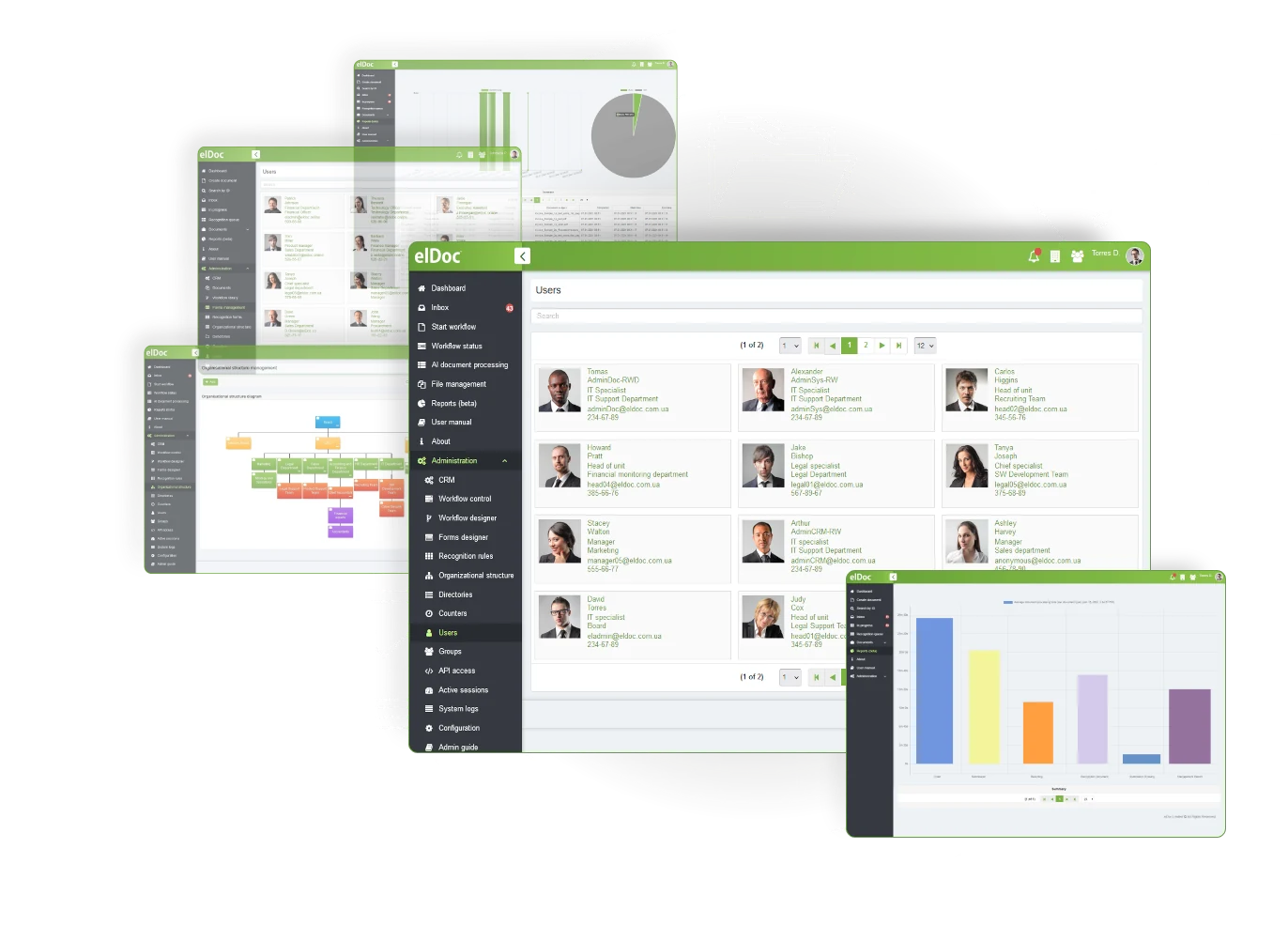
elDoc supports organisational structures of varying complexity by assigning permissions to users, user groups, units, departments, and entities. Permissions set at a higher organisational level can be inherited below it, simplifying administration. A visual representation of the structure also helps teams manage access to sensitive content more effectively.

Improve staff productivity with intelligent automation

Support efficient work from any location or device with authority delegation, deputy assignments, extended user profiles, built-in social business gamification tools and personalised e-office rooms.

Discover More elDoc Features

Use full-text search, advanced filters and tags to locate relevant content quickly and easily

Create custom document workflows using intuitive, robust automation tools without writing any code

Create, edit, review, approve, and securely share documents with team members, including real-time co-editing