
Quickly export data in widely used formats
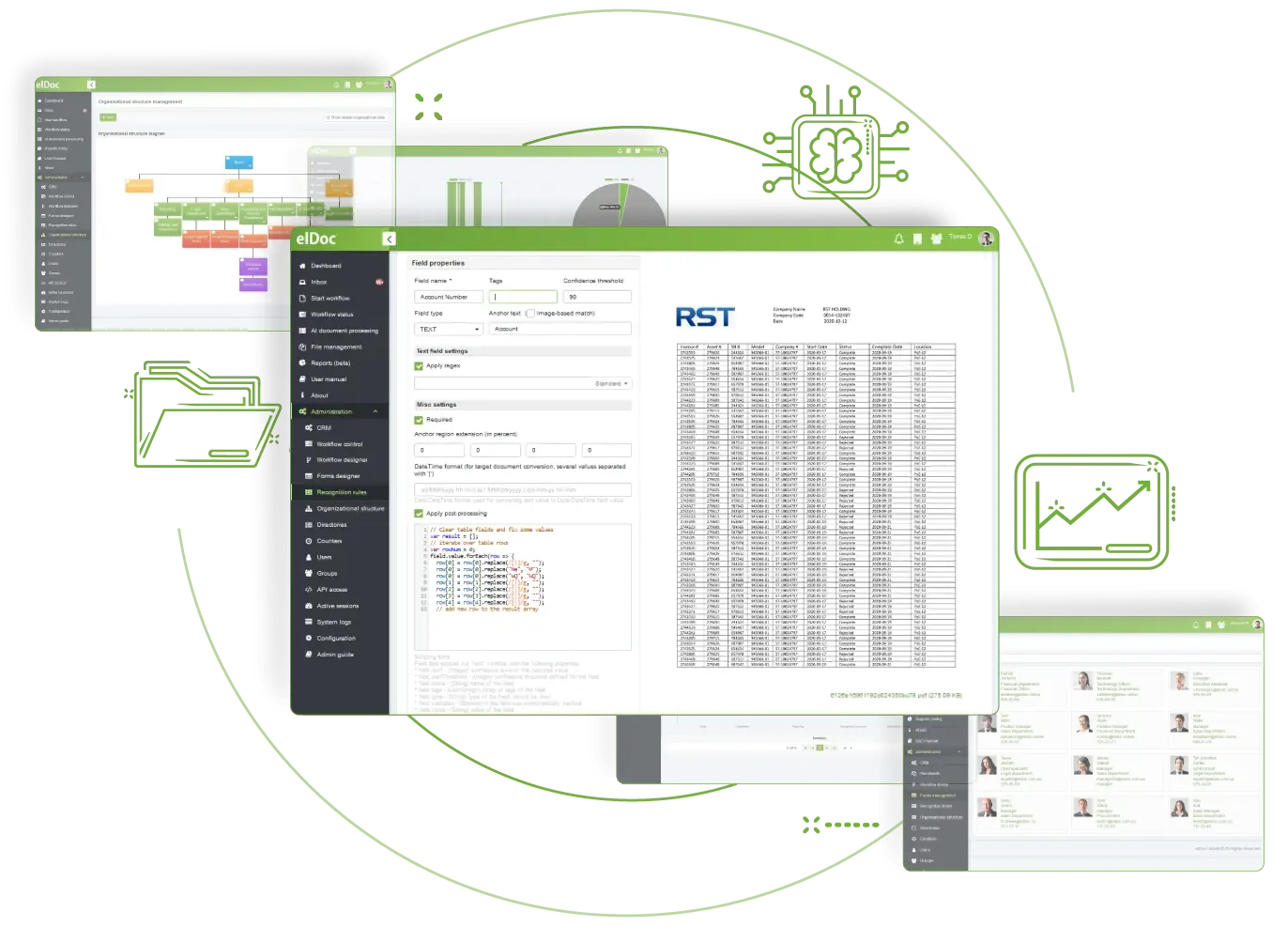
elDoc offers several ways to access or export processed data. Export document data as CSV, download it in PDF or MS Word format, or retrieve JSON-formatted data through the API.
elDoc includes ready-to-use data export capabilities for moving processed information into the format required for further handling. Export data as CSV for transformation, download processed documents as PDF or MS Word for internal use, or retrieve JSON-format data via API to feed other applications automatically. Select the automated export option that fits your process.
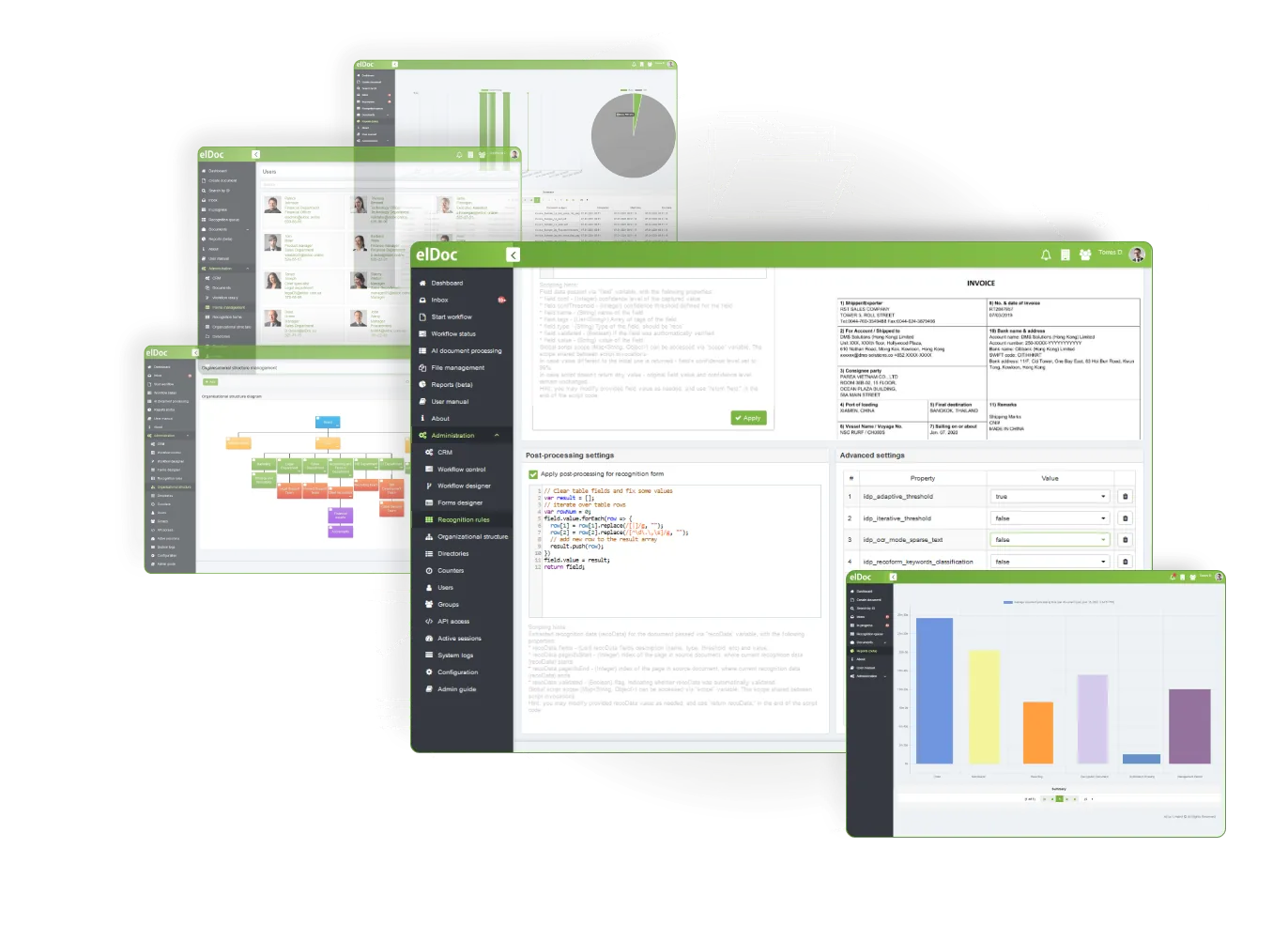
Extract data from various document types in seconds. Move beyond OCR with AI capabilities. Smarter. Faster. Simpler.
Recognise machine-printed and hand-typed characters, numerals and marked checkboxes using industry-leading OCR
Validate data with advanced automation, including cross-verification, exception handling, and more
elDoc – The AI Document Excellence Platform. From routine automation to advanced document intelligence, elDoc brings AI to your organisation with the agility, security and scalability modern operations require.
©2019. Eldoc Document Management System Malaysia. All Rights Reserved.