
Data Validation

Maintain data consistency and integrity with robust verification tools
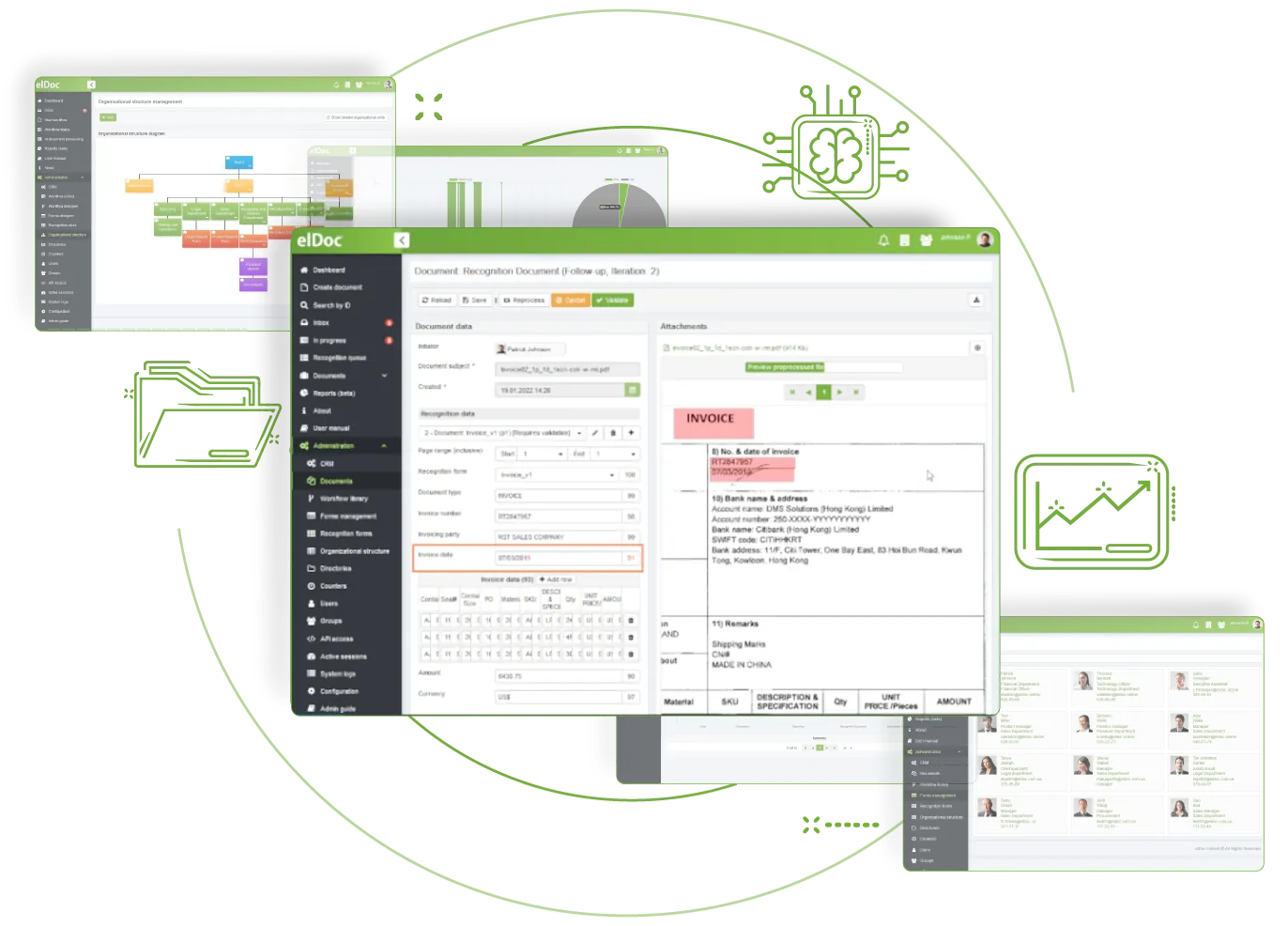
Validate data using advanced automated capabilities

Review data through a user-friendly interface when recognition falls below the defined threshold. Automated cross-checking helps improve accuracy, while granular access controls limit validation to authorised users. Automated queue management also supports more efficient exception handling.
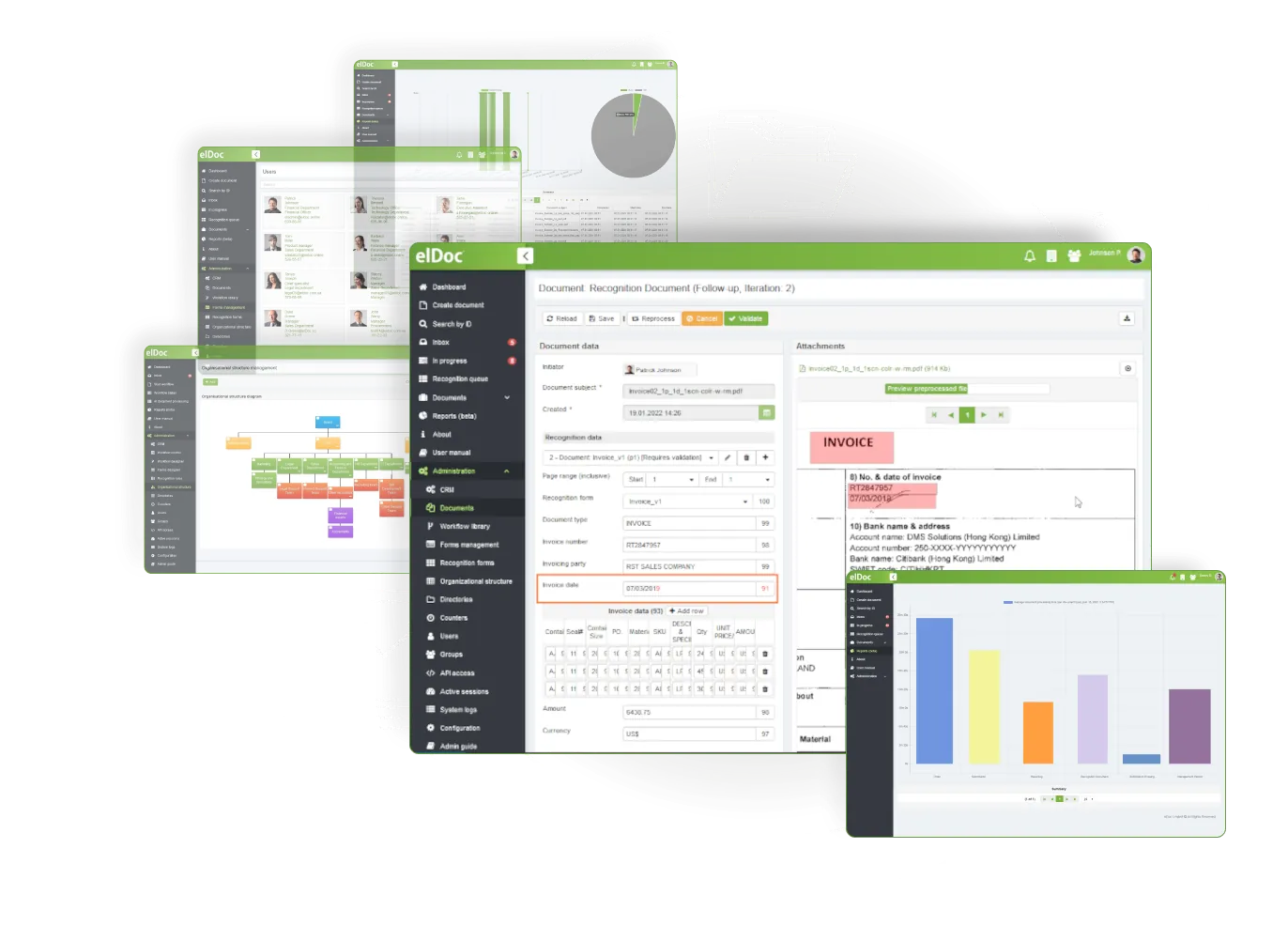
Data Validation

Data Validation and Cross-Verification in Eldoc

01

Automated data cross-checking

Compare extracted data against predefined or referenced values and confirm, for example, that line items add up to the stated total.
02

Automated data standardization

Standardise extracted data by converting varied values, such as multiple date formats, into one target format.
03

Exceptional cases validation

Review exceptions through a user-friendly interface by correcting or rejecting captured data, with each action recorded
04

Data validation performed by authorised users

Protect data by restricting access to authorised users. Only approved users can perform validation where required
05

Automatic management of validation queues

Separate validation workflows by document origin and automatically lock a document while another user is working on it
06

Automatic validation tracking and auditing

Review every validation action. Validated or rejected documents follow the defined workflow and are stored in a centralised document archive.

Why Is Data Validation Important?

Data validation is a vital part of Intelligent Document Processing because it helps businesses trust captured data. Validation requirements depend on specific business needs. Much of the data can be validated automatically through cross-checking and verification, while human-in-the-loop validation is generally used when recognition falls below a defined threshold. This proactive process helps protect one of your most valuable assets.

Discover More elDoc Features

Enhancement support for PDF format

Enhancement support for JPEG format

Enhancement support for TIFF format