
Use different permission and control types to protect your files
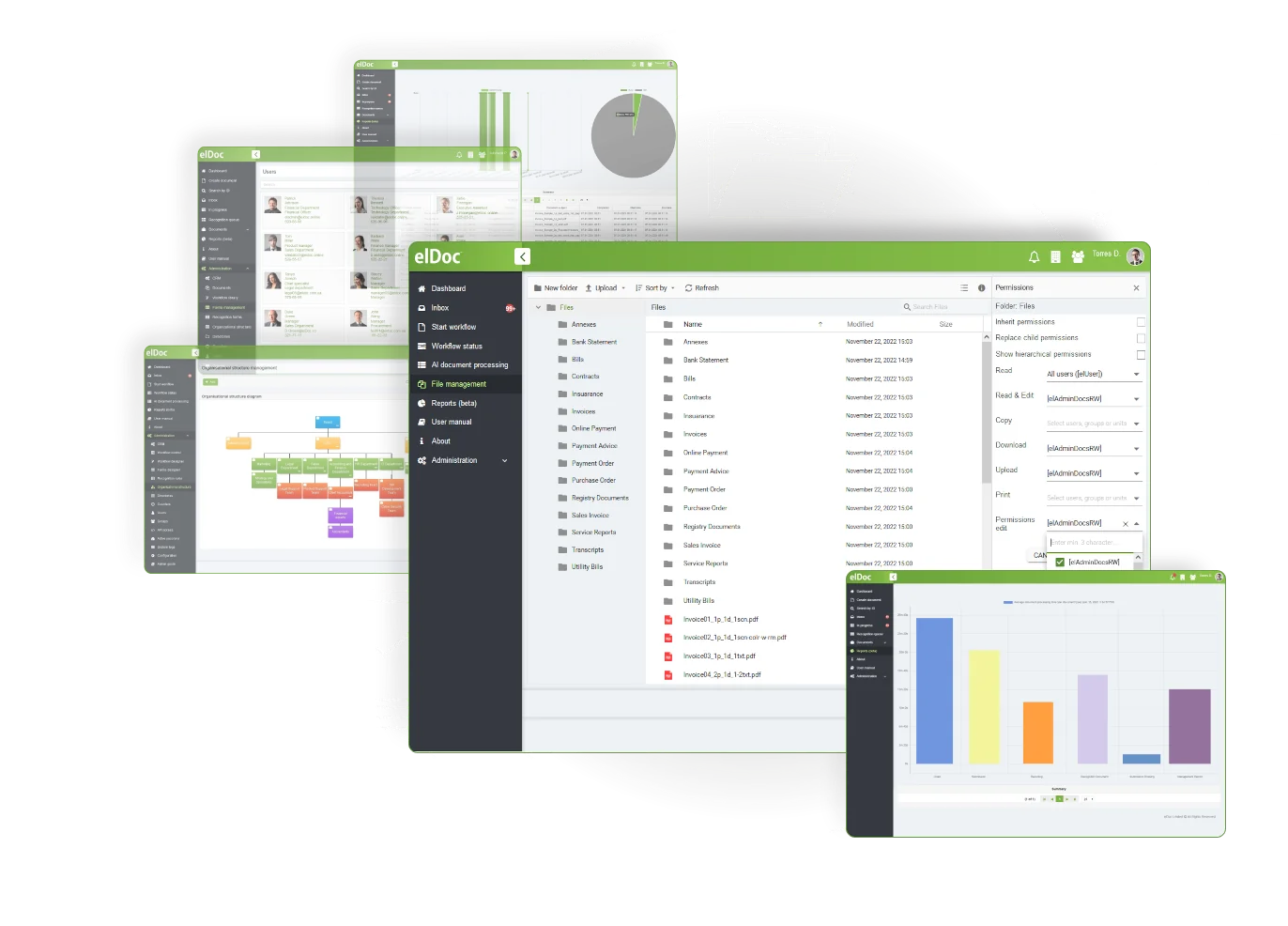
Control file access individually or in bulk with advanced permissions. Manage access at folder and subfolder level and assign the appropriate rights to every user or group. Put data security and compliance at the centre of file management with elDoc.
A robust file permission and control framework is essential for protecting sensitive information against unauthorised access, copying, viewing, printing, uploading, deletion and editing.
elDoc’s granular file permissions let you control who can create or access folders and files, as well as the access levels assigned to individual users or groups
A secure solution that is easy to use and configure for managing and organising your key files
Create custom document workflows with No Code Document Workflow capabilities—no coding required
Search content within files and documents easily, including full-text searches across OCR’d documents
elDoc – The AI Document Excellence Platform. From routine automation to advanced document intelligence, elDoc brings AI to your organisation with the agility, security and scalability modern operations require.
©2019. Eldoc Document Management System Malaysia. All Rights Reserved.