
File Organization

Benefit from a structured, efficient file management system
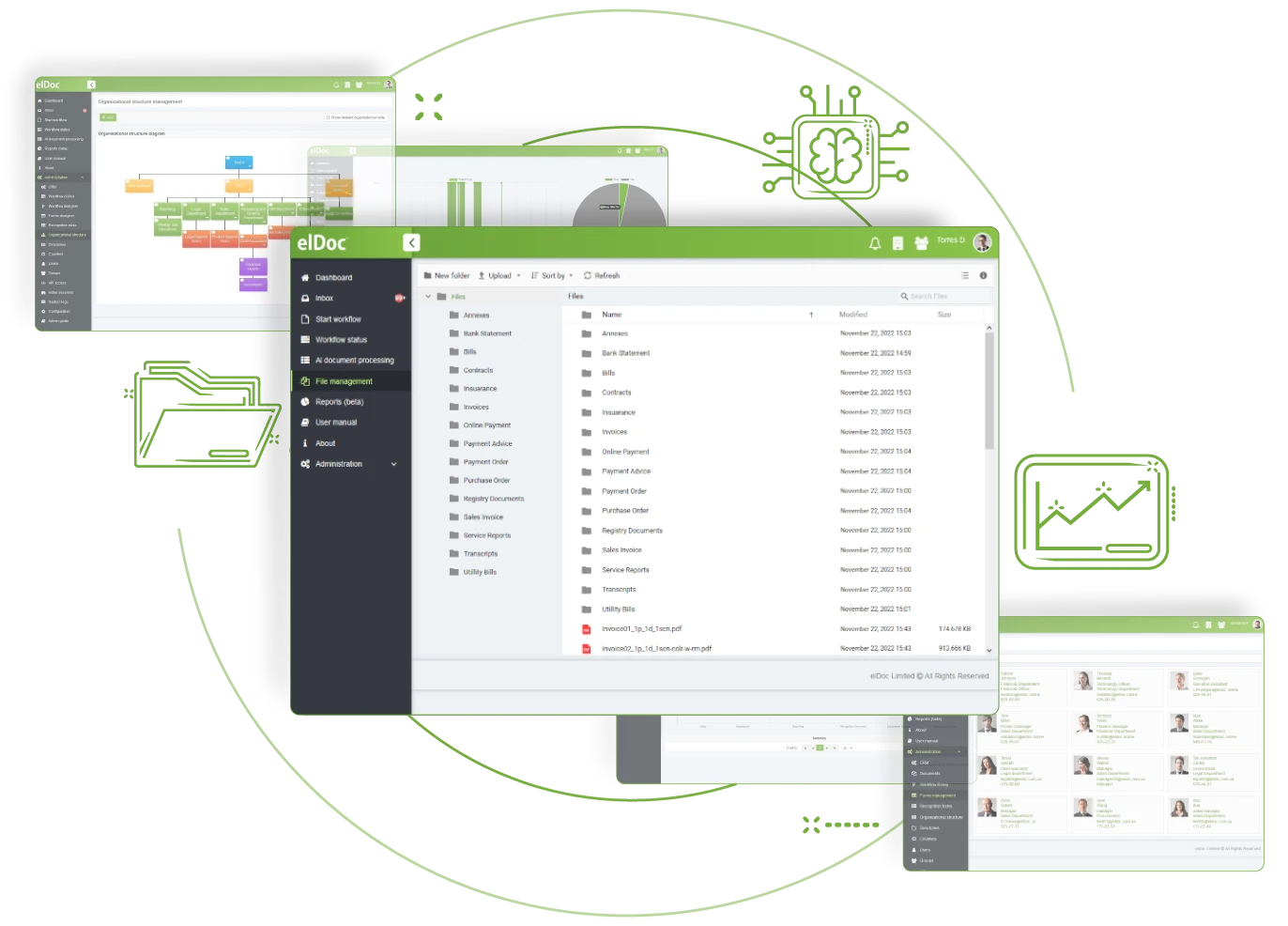
Secure, Robust Storage and Management for Your Files

elDoc helps you organise files for reliable access and retrieval. Advanced categorisation lets you sort and group documents by relevant criteria, making the right content easier to find and use. Its security and management capabilities also support compliance with applicable industry regulations and standards while helping protect sensitive information.

Replace disorganised file systems with clear, structured organisation

Disorganised file systems make daily work slower and information harder to find. elDoc provides a central location for storing and managing files, supporting faster access, controlled collaboration and simpler retrieval. Build a structured file-management environment that improves teamwork and keeps critical information available when needed.

File Organization

Essential File Management Features for Organising Your Files Efficiently

01

Intuitive User Interface

A user-friendly interface with clear file management features, icons, and controls makes everyday tasks easy to complete
02

Hierarchical Folder Structure

Arrange files in a hierarchical, tree-like structure of folders and directories that reflects the relationships between them
03

Sub-folders and Sub-directories

Build a hierarchical structure with subfolders or subdirectories inside existing folders for more detailed file organisation and categorisation
04

Bulk File Operations

Manage multiple files together to save time when moving, copying or deleting content within the file management system
05

Bulk File Upload

Upload several files at once by dragging and dropping them into the required location.
06

File Inheritance Settings

Enable or disable access-right inheritance across complex folder structures. Automatically pass permissions from parent folders to their subfolders and files when required
07

Collaboration & Teamwork

Support real-time collaboration and co-authoring, allowing several users to edit one document simultaneously and see each contributor’s changes as they happen
08

Search and Navigation

Locate files by attributes including name, content, metadata or tags. Search by keyword or apply advanced filters to narrow the results
09

Access Control

Define different access levels for users or groups by granting or revoking permissions for operations such as access, viewing, editing, copying, renaming, deleting, printing and downloading.

Discover More elDoc Features

Strengthen file security and governance with comprehensive management controls. Configure access rights for each file according to your requirements

Create tailored document workflows with No Code Document Workflow capabilities—without writing a single line of code. Practical. Robust. All in one

Find the information you need regardless of format, whether it is stored in a PDF, Word document or scanned image