Image Enhancement

Use cognitive technologies to improve image quality before processing

Improve image quality using cognitive technologies

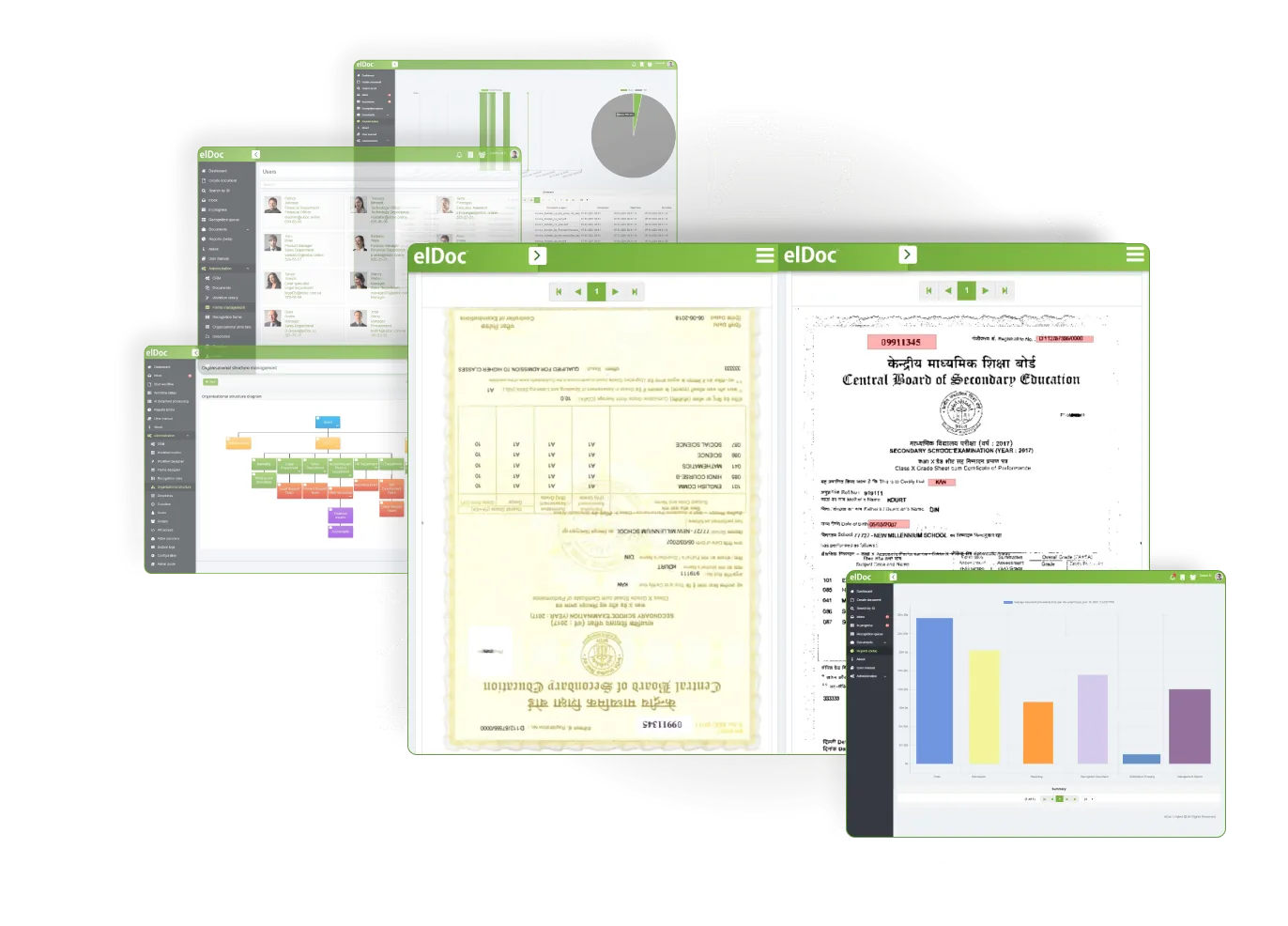
Use elDoc’s built-in cognitive capabilities to improve image quality, correct rotation and geometry, resize images, remove unwanted artefacts, enhance contrast and smooth objects. Better source images can produce better results!

01

Image rotation

Rotating an image clockwise or anticlockwise
02

Image scaling

Increasing or decreasing the image’s physical size
03

Noise removal

Removing unwanted noise and artefacts
04

Skew correction

Detecting and correcting image skew
05

Background clearance

Whitening and cleaning the image background
06

Enhancing contrast

Improving and adjusting image contrast
07

Geometric correction

Image alignment and geometric correction.
08

Image cropping

Removing or correcting the outer edges of an image
09

Image smoothing

Smoothing objects within an image

Why Is Image Enhancement So Important?

Scanned documents can vary widely in quality. They may be incorrectly scaled or rotated, overly bright or dark, smudged, discoloured, folded, or surrounded by unsuitable margins. Running OCR on these images without enhancement can significantly reduce data-capture accuracy. Image enhancement is therefore a key component of an Intelligent Document Processing Solution.

Discover More elDoc Features

Enhancement support for PDF format

Enhancement support for JPEG format

Enhancement support for TIFF format