
Control file versions, preserve data accuracy and support better collaboration
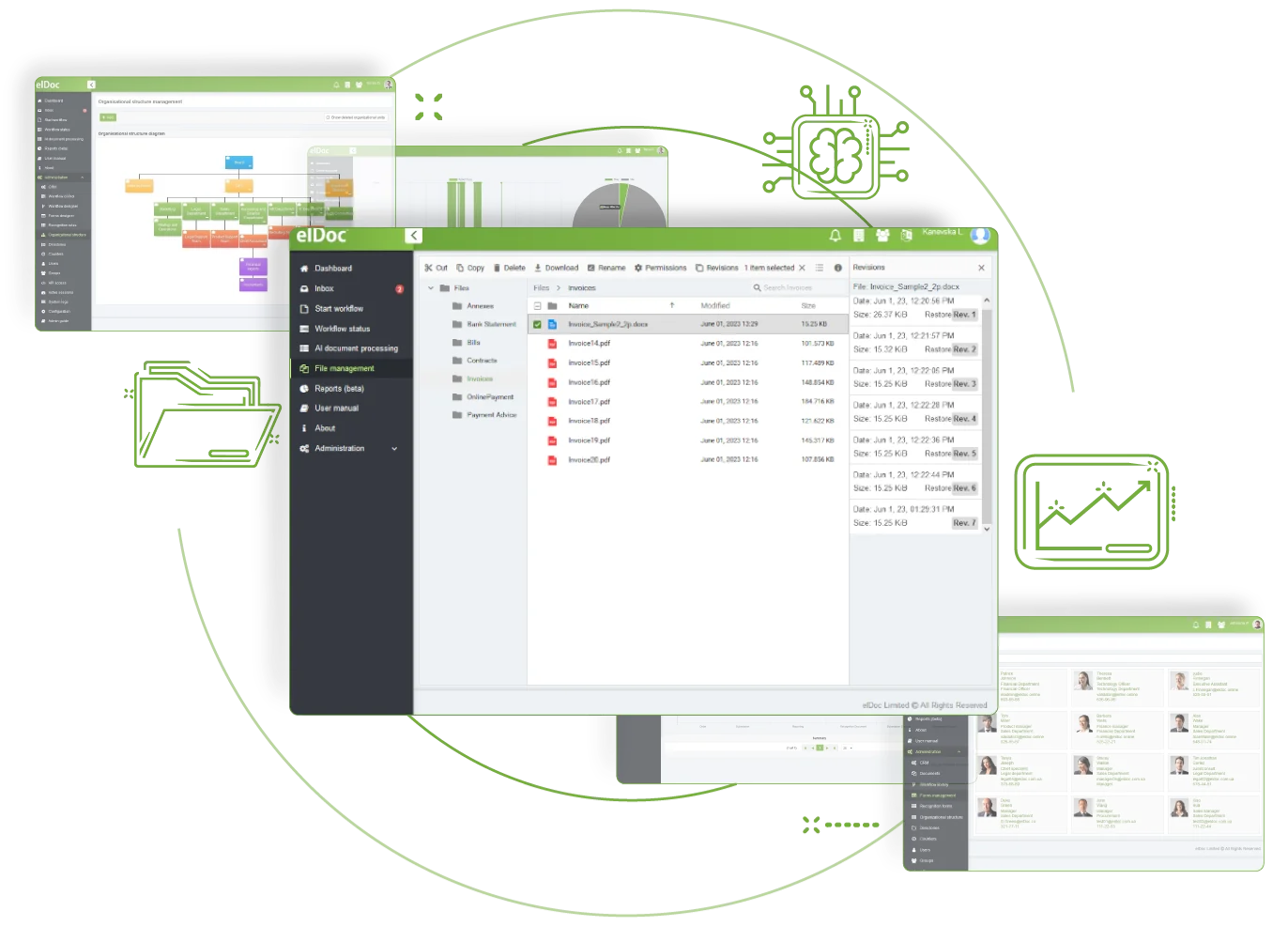
Protect important changes and recover earlier file versions when needed. Track edits, compare versions and help everyone work from the latest copy. elDoc File Version Control maintains an audit trail for accountability and can support regulatory compliance, providing greater control over collaborative work.
File Version Control is central to effective document management, providing clear oversight of every file. With elDoc, you can maintain accuracy, improve collaboration and avoid version conflicts. Follow each document’s history, compare changes and restore an earlier version when required. Help your team work from the latest copy with the elDoc Real-Time Collaboration Suite.
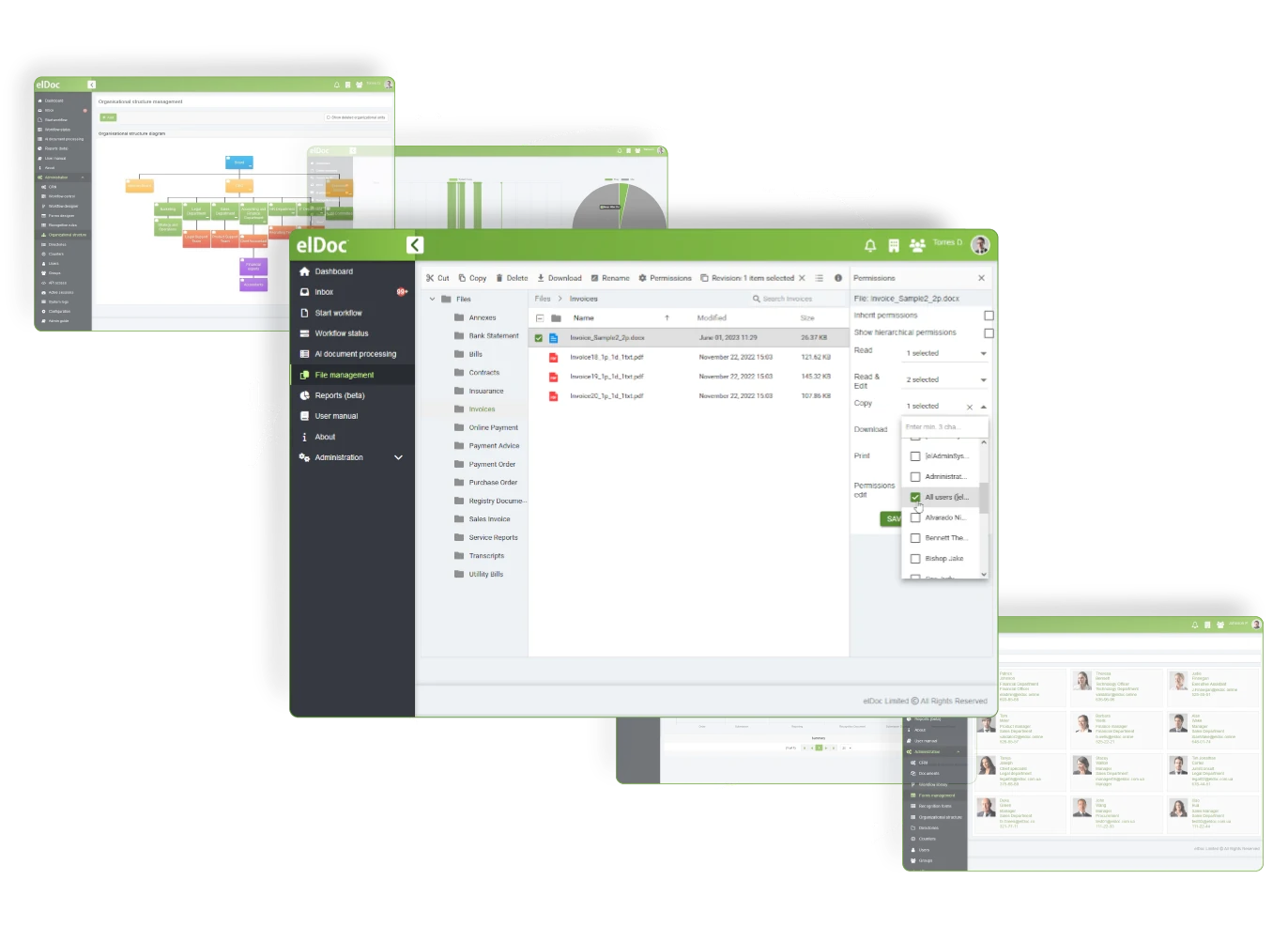
Strengthen file security and governance with comprehensive management controls. Configure access rights for each file according to your requirements
Set and automate how files move through business process stages, including creation, review, approval, and distribution
Use elDoc to organise your files through a management structure designed around your specific requirements
elDoc – The AI Document Excellence Platform. From routine automation to advanced document intelligence, elDoc brings AI to your organisation with the agility, security and scalability modern operations require.
©2019. Eldoc Document Management System Malaysia. All Rights Reserved.