File Watermarks, Barcodes, and QR Codes

Easily Add Watermarks, Barcodes, and QR Codes to Your Files for Enhanced Branding and Security!

Transform Your Files by Instantly Embedding Watermarks, Barcodes, and QR Codes for Superior Branding and Protection!

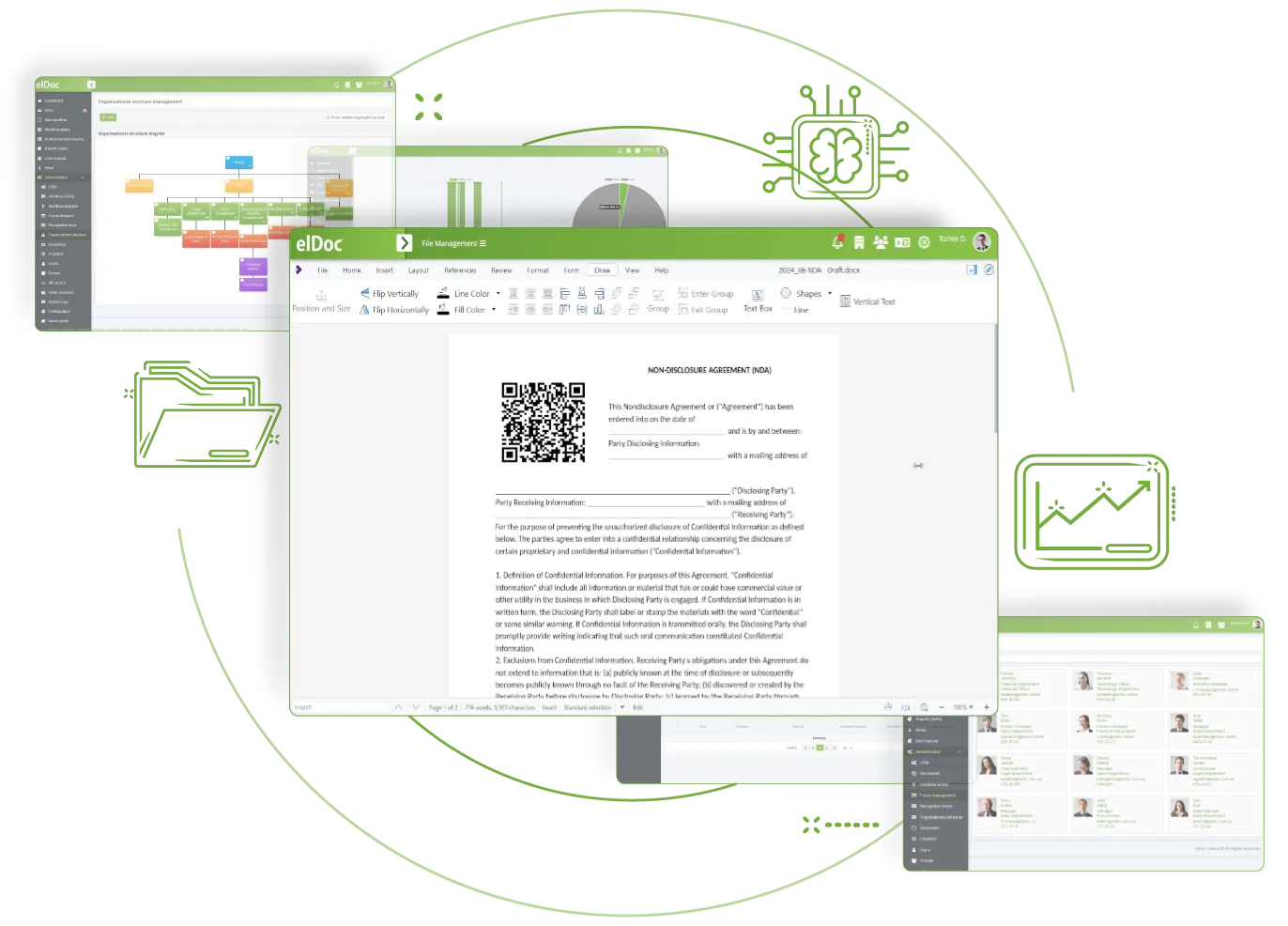
The elDoc platform is designed for document excellence, empowering you to enhance your files effortlessly. With our advanced features, you can instantly embed watermarks, barcodes, and QR codes, elevating your documents’ branding and security.

Watermarks not only protect your intellectual property but also reinforce your brand identity, making your documents instantly recognizable. Barcodes streamline data management, allowing for quick access and organization of information, while QR codes provide a convenient way for users to interact with your content, linking them directly to additional resources or information.

Read More Read less

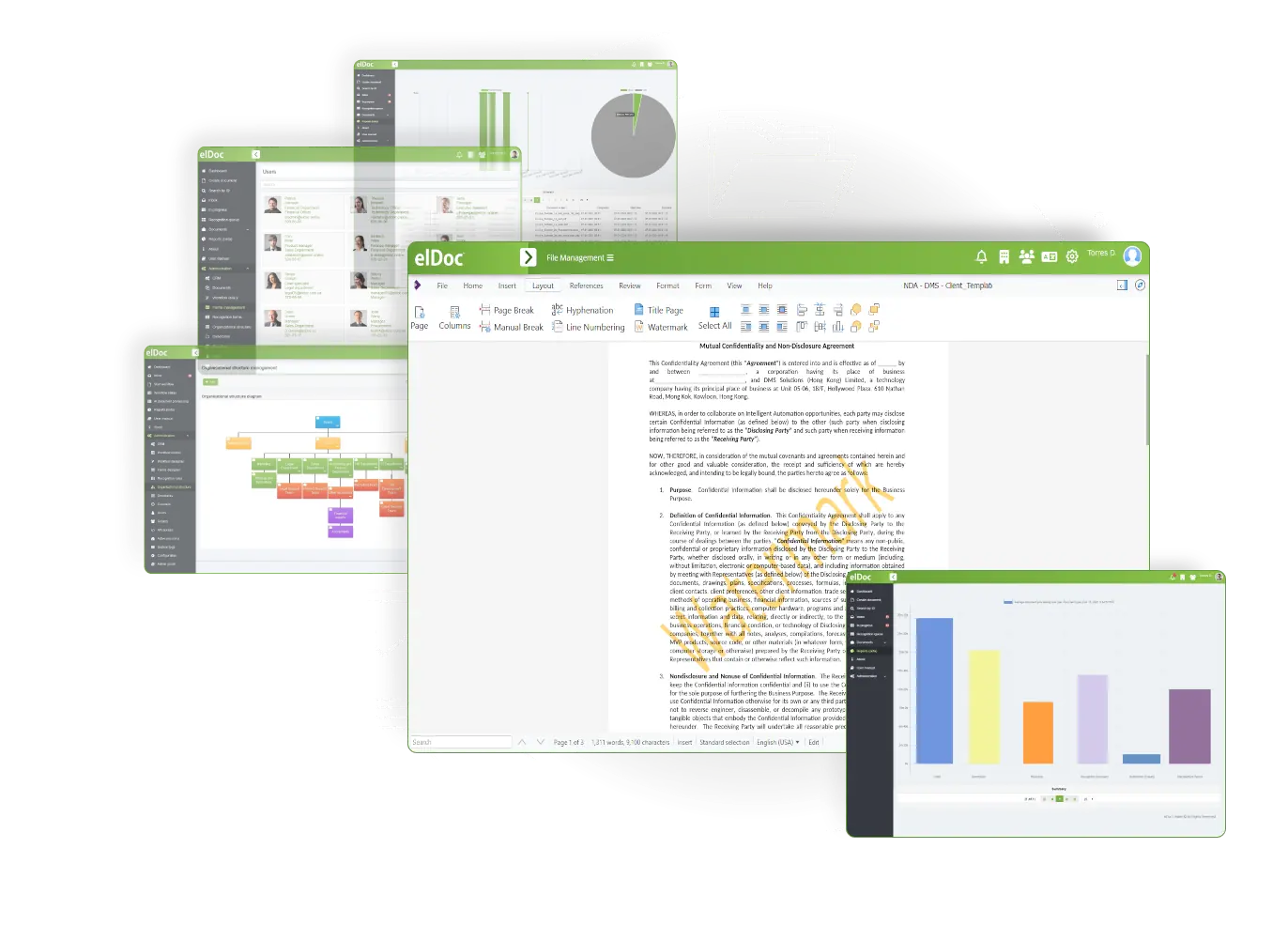
Elevate Your Brand with Custom Watermarks in elDoc!

Easily customize your watermarks to align with your branding needs through our intuitive settings. With just a few clicks, you can adjust the design, opacity, and placement of your watermarks, ensuring your documents reflect your unique identity while safeguarding your content. Transform your files effortlessly with personalized watermarks that make a lasting impression!

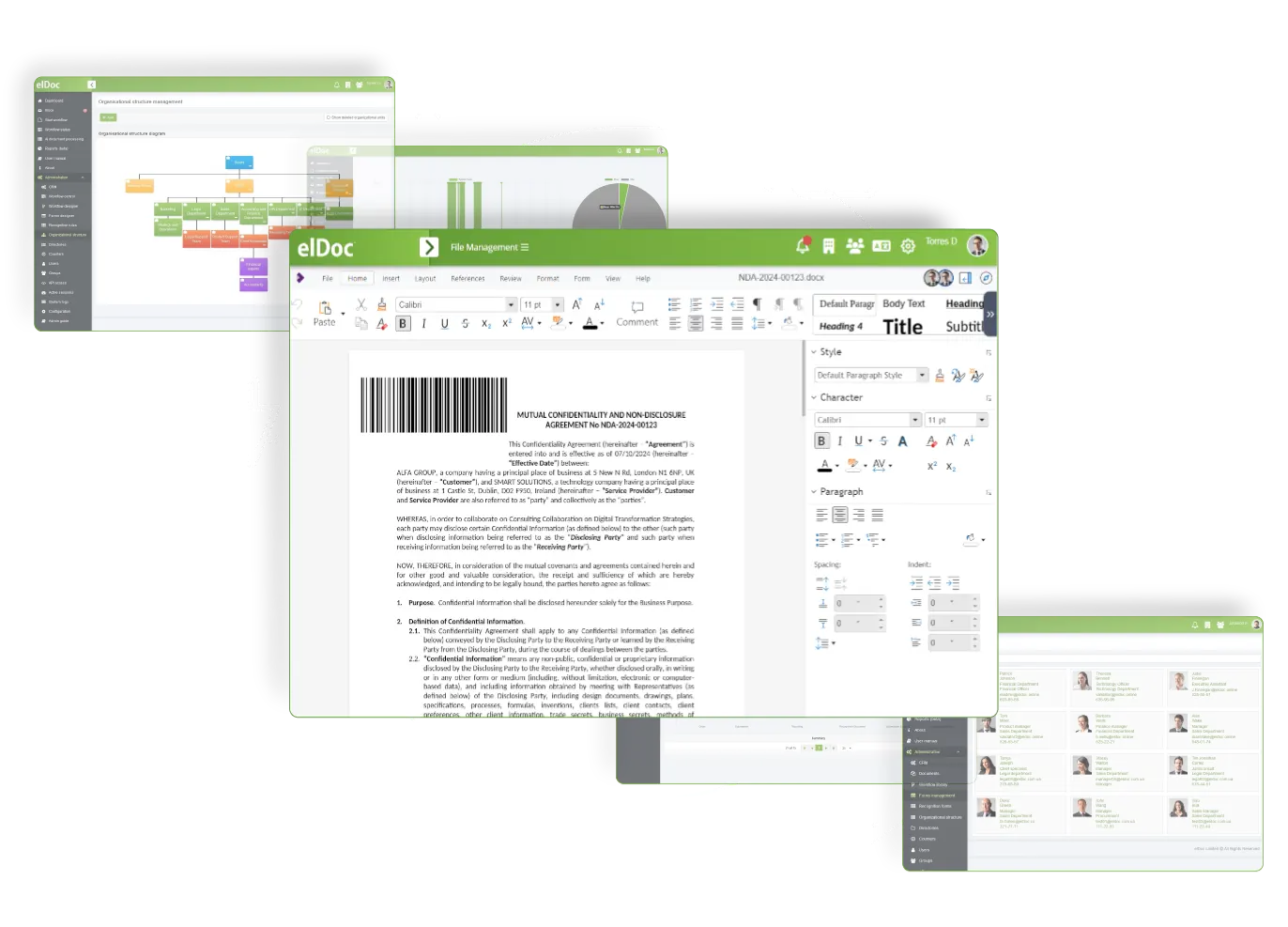
Accelerate Document Retrieval with elDoc Barcodes!

Enhance your operational efficiency by effortlessly generating barcodes designed for quicker document search and retrieval. Our intuitive settings make it easy to create barcodes that seamlessly integrate into your workflow. By implementing personalized barcodes, you can streamline processes, reduce search time, and improve accuracy in data management.

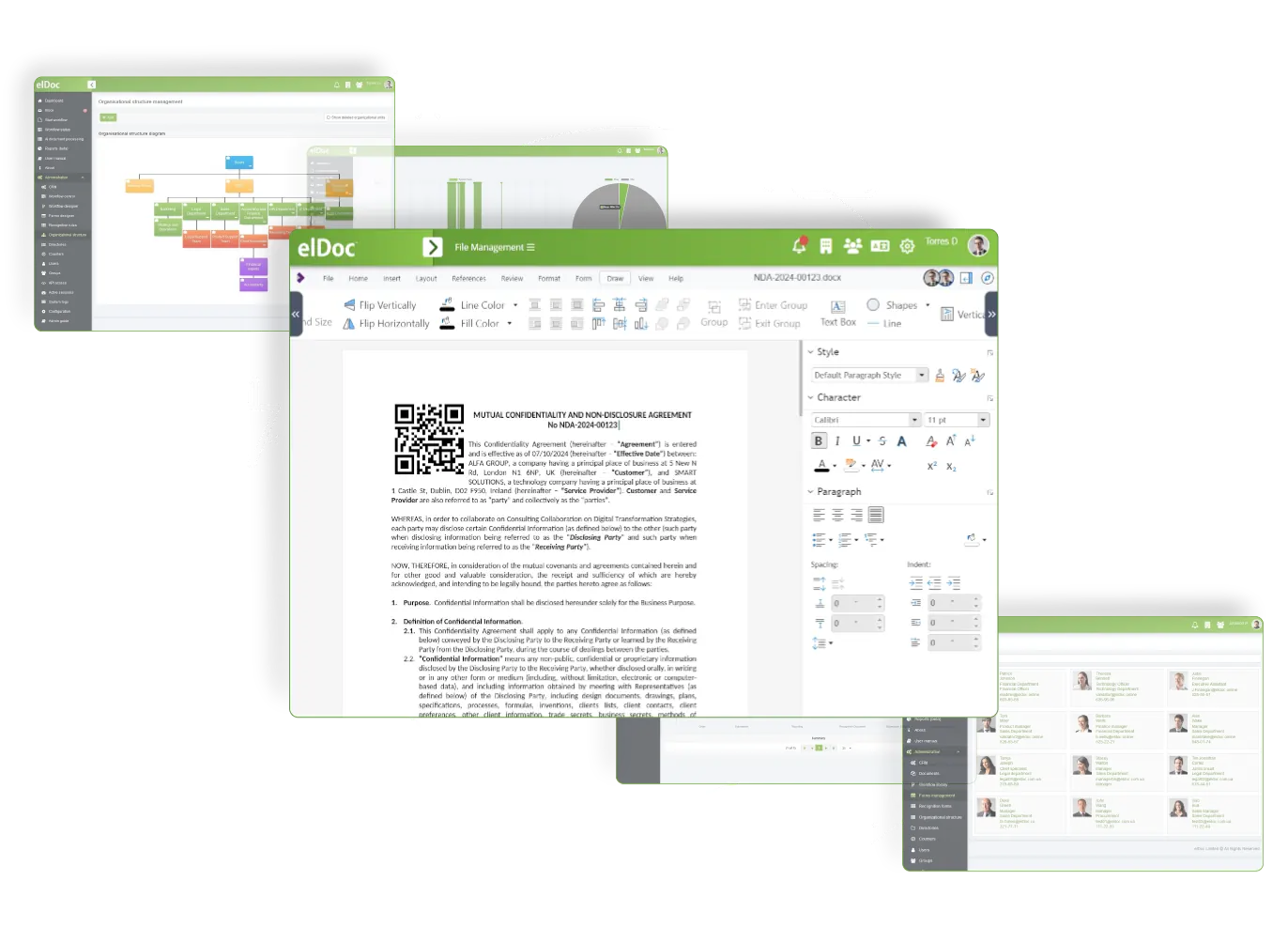
Unlock New Possibilities with QR Codes in Your Document Management!

Enhance your document management system with QR codes, allowing for quick access to essential information and insights. By simply scanning a QR code, users can retrieve detailed data, links to related documents, or access instructional content, streamlining workflows and improving efficiency. Leveraging QR codes in your document management not only simplifies information retrieval but also enhances collaboration and accessibility across your organization

Explore Other Eldoc Features

Assign editing rights to specific teams or limit access to read-only for certain users – customize and tailor permissions to match your Roles, Responsibilities, and automation needs

Eliminate the frustration of disorganized folder systems and constant file searches. Establish a well-organized and centralized document repository that enables you to categorize and tag files for swift access

Easily monitor changes, compare various versions, and restore earlier iterations to ensure you never lose important updates. This version control feature not only safeguards your work but also streamlines your workflow