Image Enhancement

Leverage cognitive technologies to improve image quality before the processing

Improve image quality with cognitive technologies

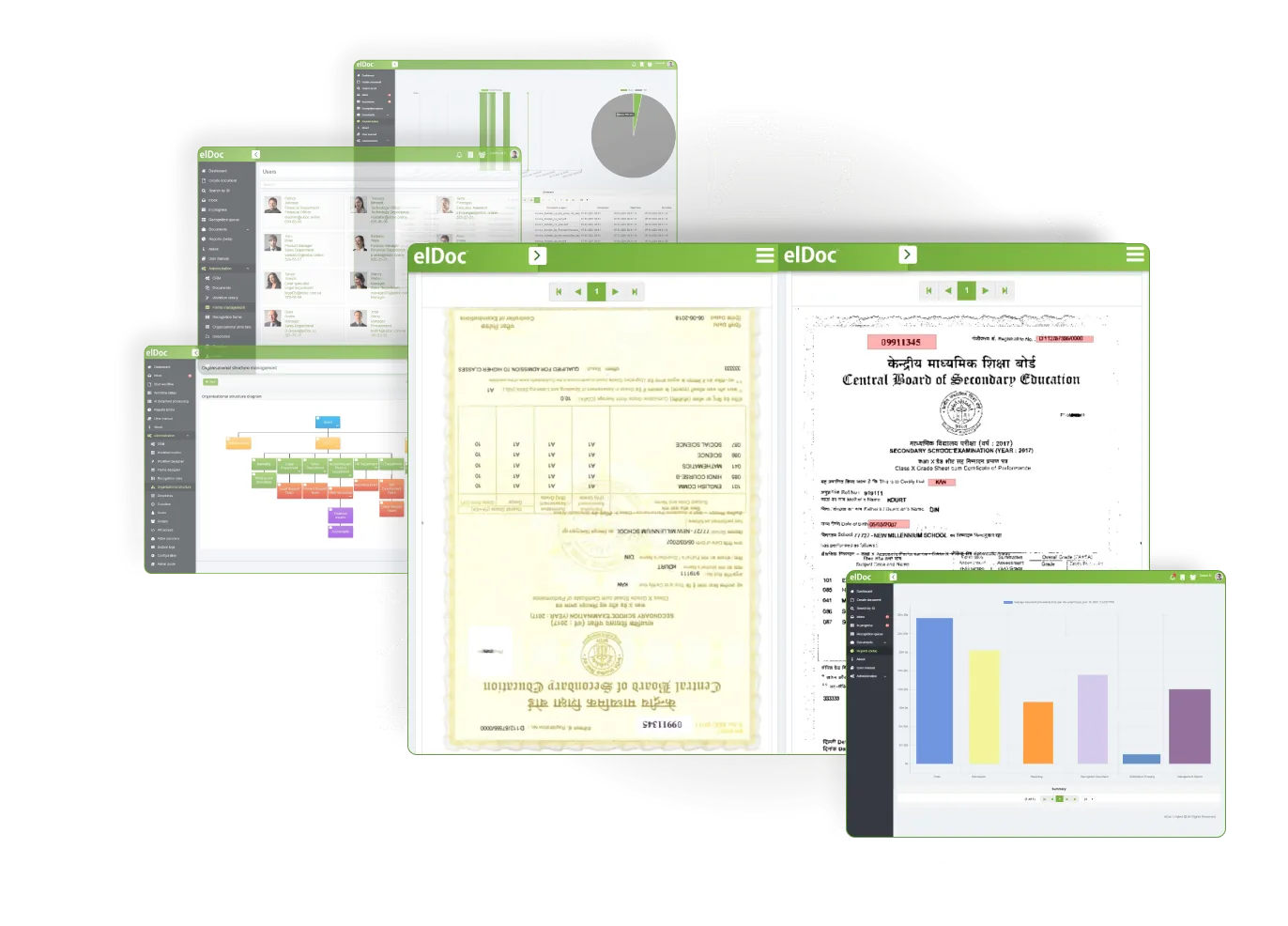
Enhance the image quality, adjust the rotation, scaling, perform geometric correction, remove unnecessary artifacts, improve image contrast, smooth objects on the image leveraging embedded in elDoc cognitive capabilities. The better quality of image – the better results you may achieve!

01

Image rotation

Turning an image in a clockwise or counterclockwise direction
02

Image scaling

Enlarging or reducing the physical size of the image
03

Noise removal

Removing unnecessary noise & artifacts
04

Skew correction

Detecting and correcting the skew
05

Background clearance

Whitening and clearing the image background
06

Enhancing contrast

Enhancing and adjusting contrast
07

Geometric correction

Aligning the image, geometric correction
08

Image cropping

Removing or adjusting the outside edges of an image
09

Image smoothing

Smoothing objects on the image

Why image enhancement is so crucial?

The scanned documents may come to the processing in different quality: with different scale, not properly rotated, too bright or too dark, smudged or discolored, folded, with margins that are too large or too small, etc. And if you try to OCR such images straight away without image enhancement – you will get relatively low accuracy rate of the captured data. Thus, image enhancement is one of the key feature of Intelligent Document Processing Solution

Explore Other Eldoc Features

PDF format enhancement support

JPEG format enhancement support

TIFF format enhancement support