
Turn captured data into useful, actionable information for your business
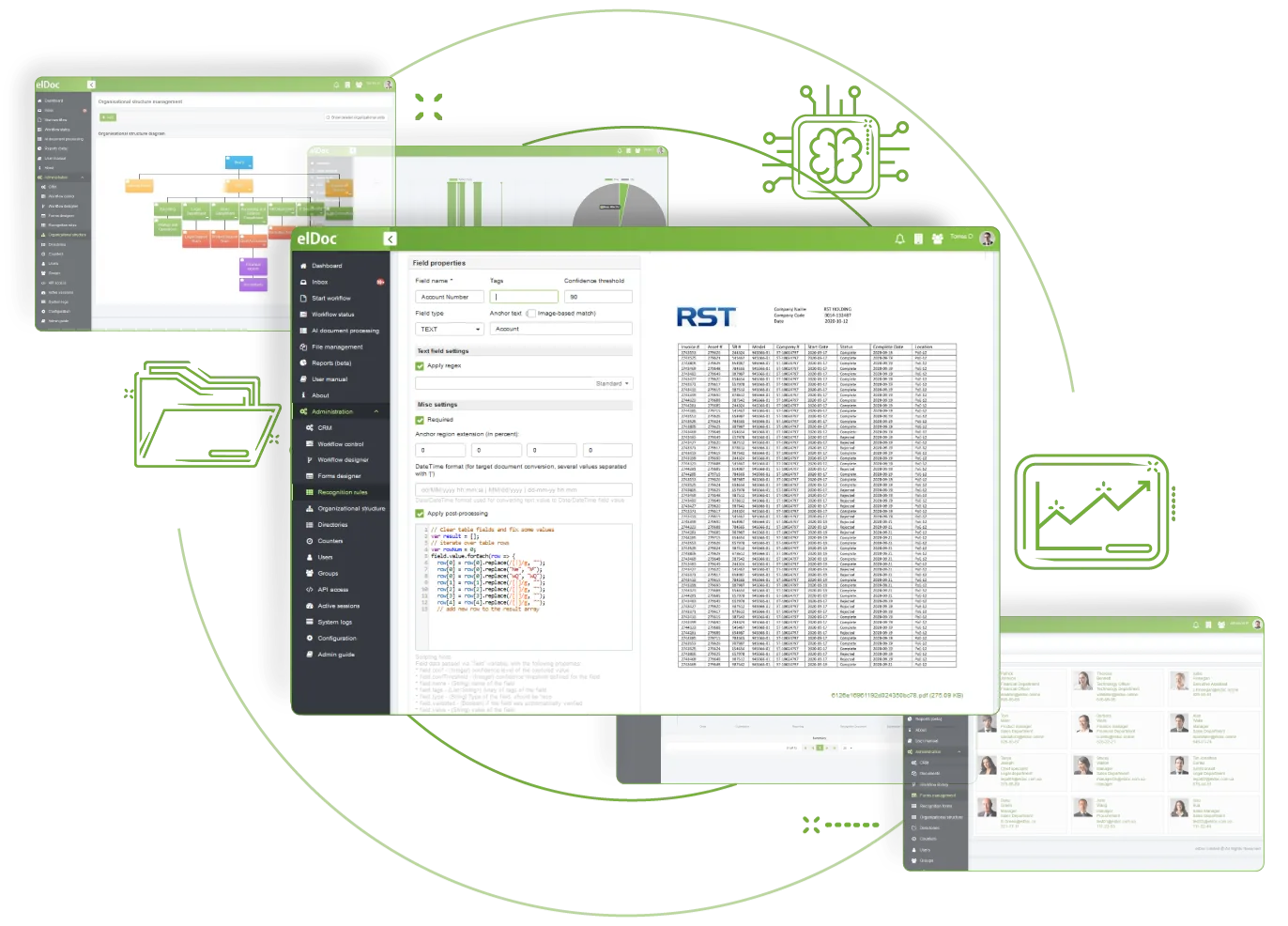
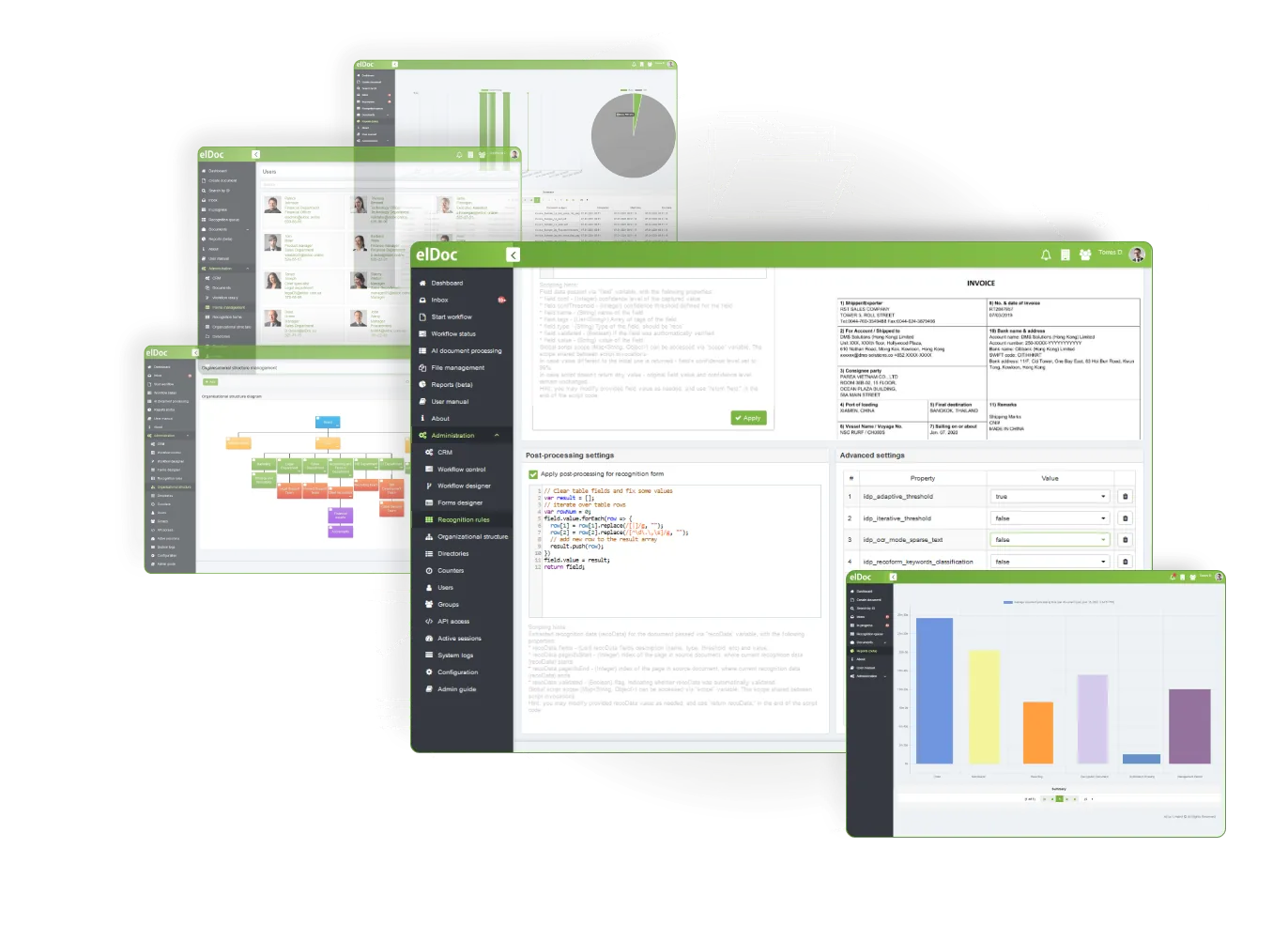
Turn captured data into information that supports your business operations with elDoc post-processing. Low-code tools help you refine and standardise data, while custom verification and cross-checking logic improve its consistency, cleanliness, and integrity.
Data captured from different document sets may be inconsistent or contain missing values, duplicate records, noise and conflicting formats. Some values may also need verification against defined rules or trusted sources—for example, matching an approved list, confirming subtotals equal the grand total or checking a PO number pattern. Post-processing cleans, standardises and verifies captured data so it is consistent and useful for business operations.
Capture and validate data from PDF
Capture and validate data from PNG
Capture and validate data from JPEG
Capture and validate data from TIFF
elDoc – The AI Document Excellence Platform. From routine automation to advanced document intelligence, elDoc brings AI to your organisation with the agility, security and scalability modern operations require.
©2019. Eldoc Document Management System Malaysia. All Rights Reserved.