
Role-based Access Control

Control access to your data with robust role-based permissions
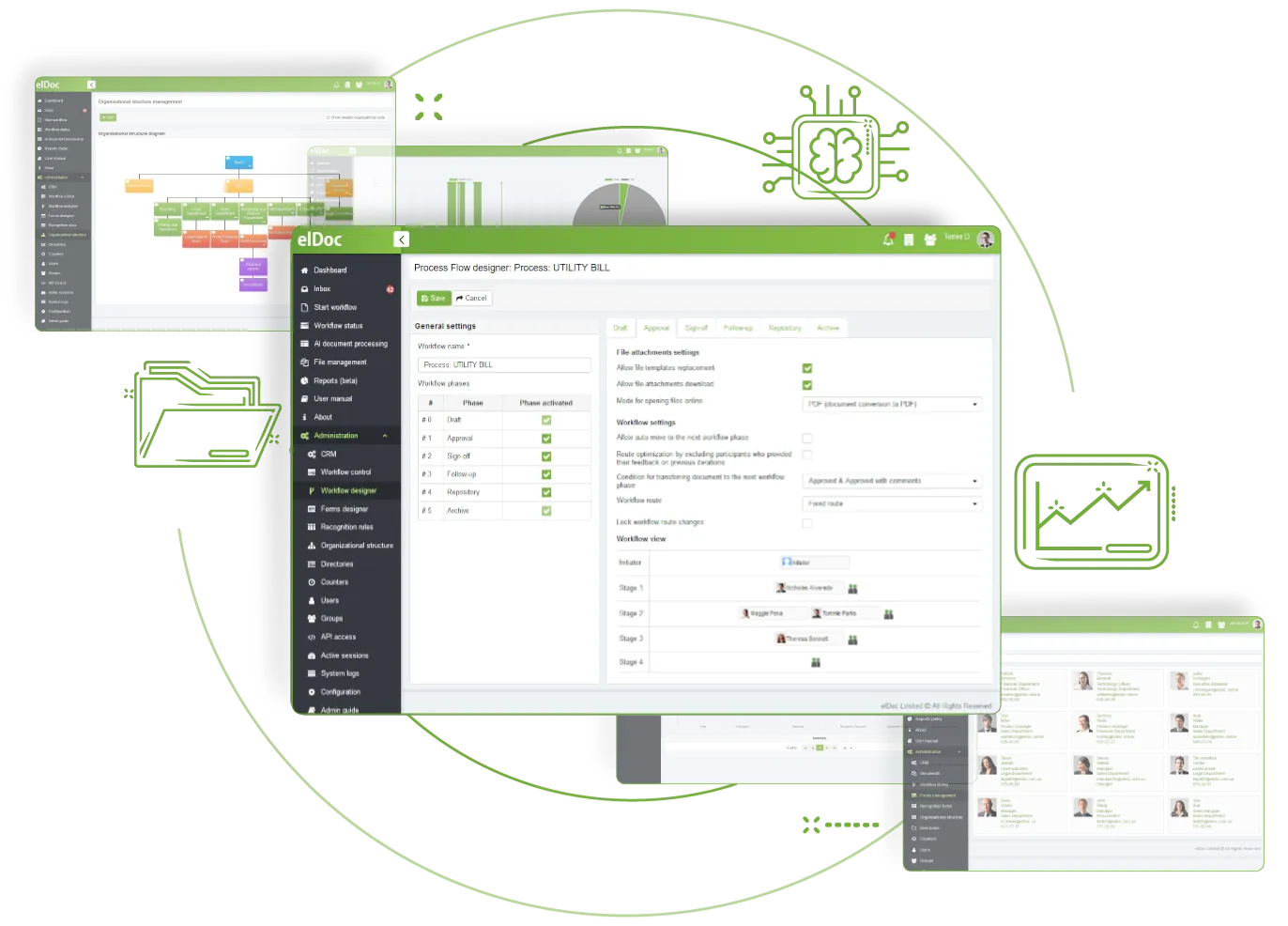
Role-based access control is a key foundation for protecting your data

Apply role-based access control best practices with elDoc. Give users only the data access and actions required for their roles, reducing the risk of unauthorised access to sensitive information and supporting confidentiality, integrity and privacy requirements.
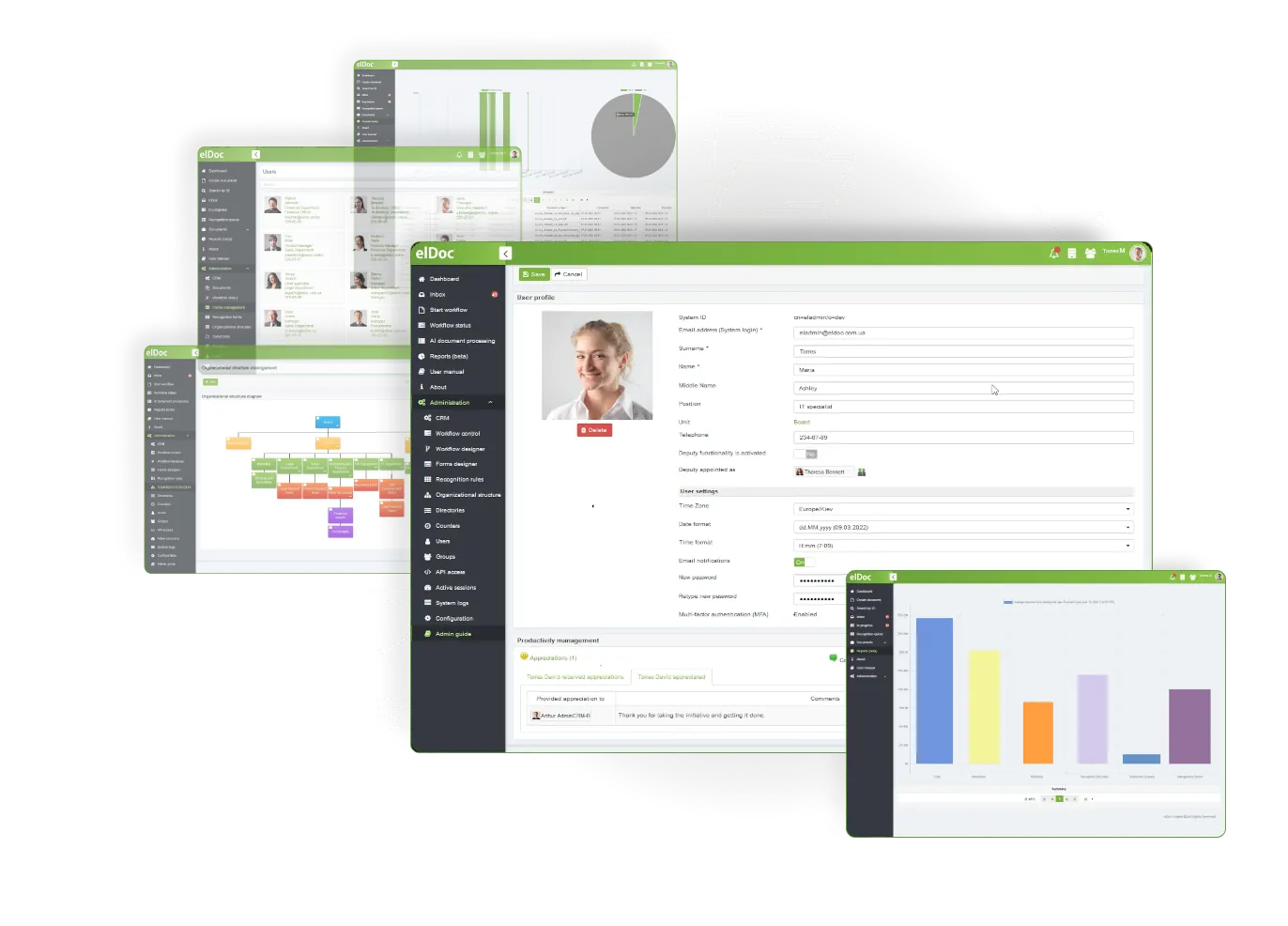
Role-based Access Control

Strengthen Security With a Robust Role-Based Access Control Framework

01

Apply tighter control to data access across different levels

Follow the “principle of least privilege” through a multi-layer, role-based framework built around global administrators, roles, and permissions.
02

Centralise administration and simplify access management

Update staff access collectively by changing the permissions assigned to a role. Apply role-level changes quickly instead of editing individual user attributes.
03

Reduce exposure to data leakage and breaches

Restrict data access according to organisational roles. Assign read-only or read/write rights and limit each user’s access as required.

Reduce password-related risks with Multi-Factor Authentication

Protect access to your data by enabling multi-factor authentication (MFA), also known as two-factor authentication (2FA), in elDoc. Any authenticator application from providers such as Google or Microsoft that supports time-based OTP using the TOTP algorithm can be used. Add another practical layer of protection to your elDoc account.

Discover More elDoc Features

Build custom document workflows without writing code. Simple. Intuitive. No Code

Use industry-leading OCR to read and recognise machine-printed and typed characters, numerals, completed checkboxes and bubbles

Manage important files with a secure, user-friendly solution. Organise them around your needs.